April 24, 2026
TCC Bridge
CLI power profile switcher for Tuxedo laptops
Objective
Create a Bash script that switches power profiles on Tuxedo laptops from the command line, without needing the Tuxedo Control Center GUI.
Tools & Technologies
D-Bus (gdbus)
jq
notify-send
Details
My laptop uses the Tuxedo Control Center to manage power profiles, but the only way to switch between them is through a full desktop GUI. That annoyed me enough to write TCC Bridge: a small Bash script that does the same thing from the command line.
The script talks to the tccd daemon over D-Bus using gdbus, and parses the JSON it returns with jq. You can list all profiles, switch to a specific one by ID, or just cycle to the next one with a single command.
It also fires a desktop notification through notify-send whenever the profile switches, which makes it perfect to bind to a keyboard shortcut. One keypress and my laptop is in performance mode, no window, no mouse.
During this project I learned how D-Bus works and how to introspect services on it, something I knew existed but had never actually used before. Sometimes the right answer really is just a shell script.
Source Code
Take a closer look at the source code here: GitHub
Gallery
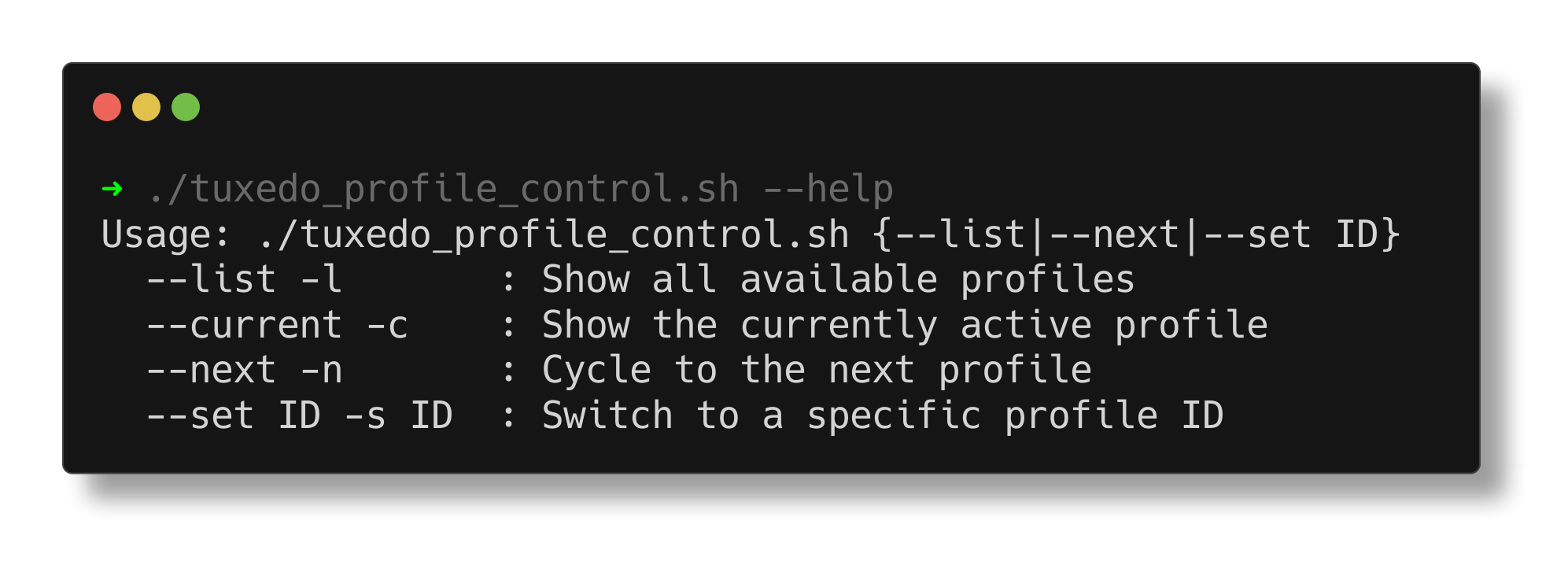
TCC Bridge 'help' command
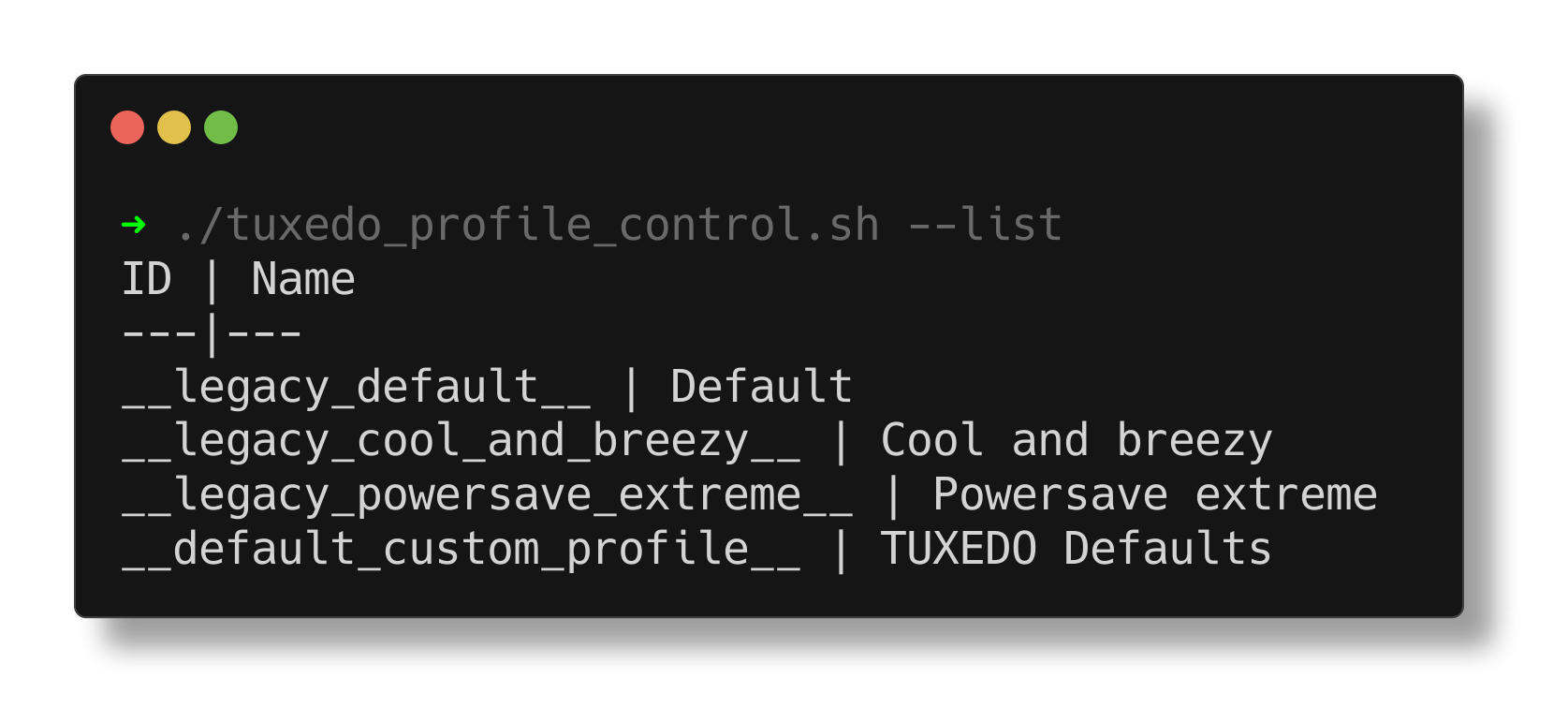
TCC Bridge 'list' command
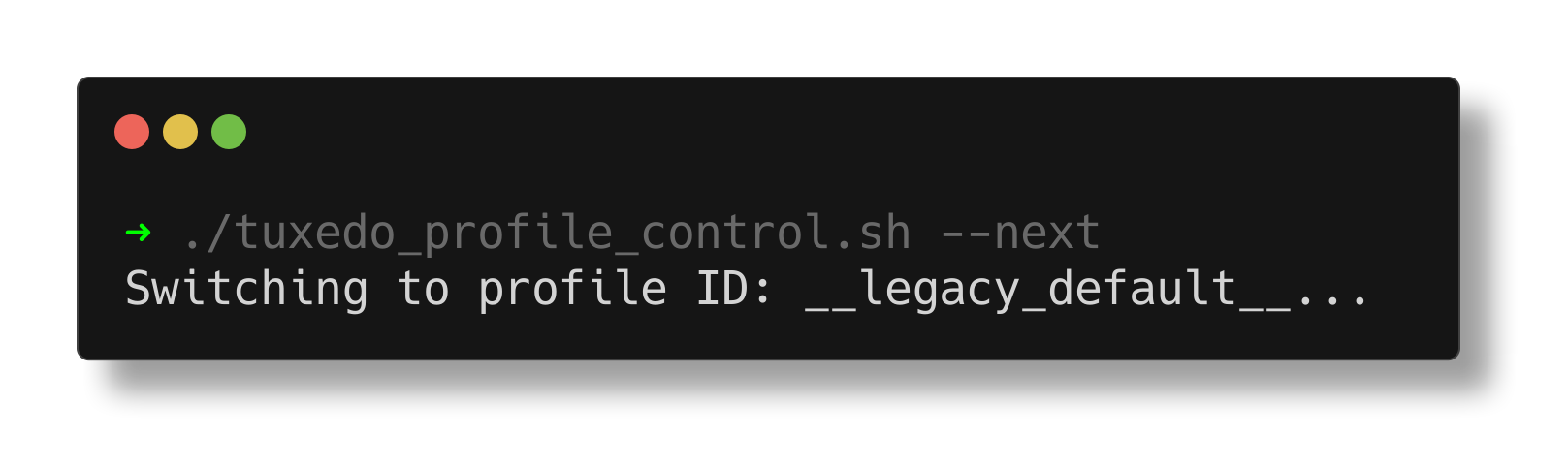
TCC Bridge 'next' command
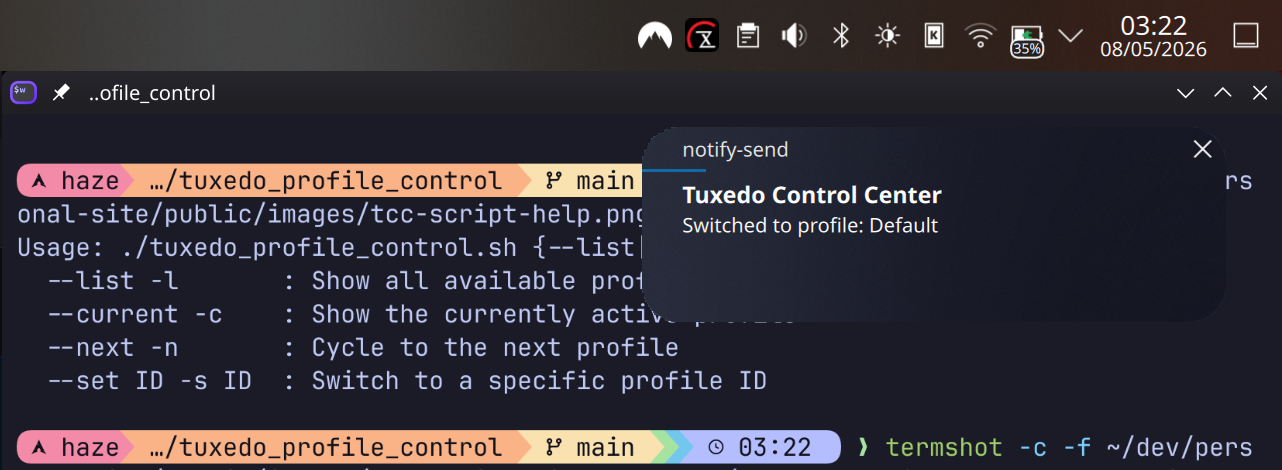
TCC Bridge profile notifiation
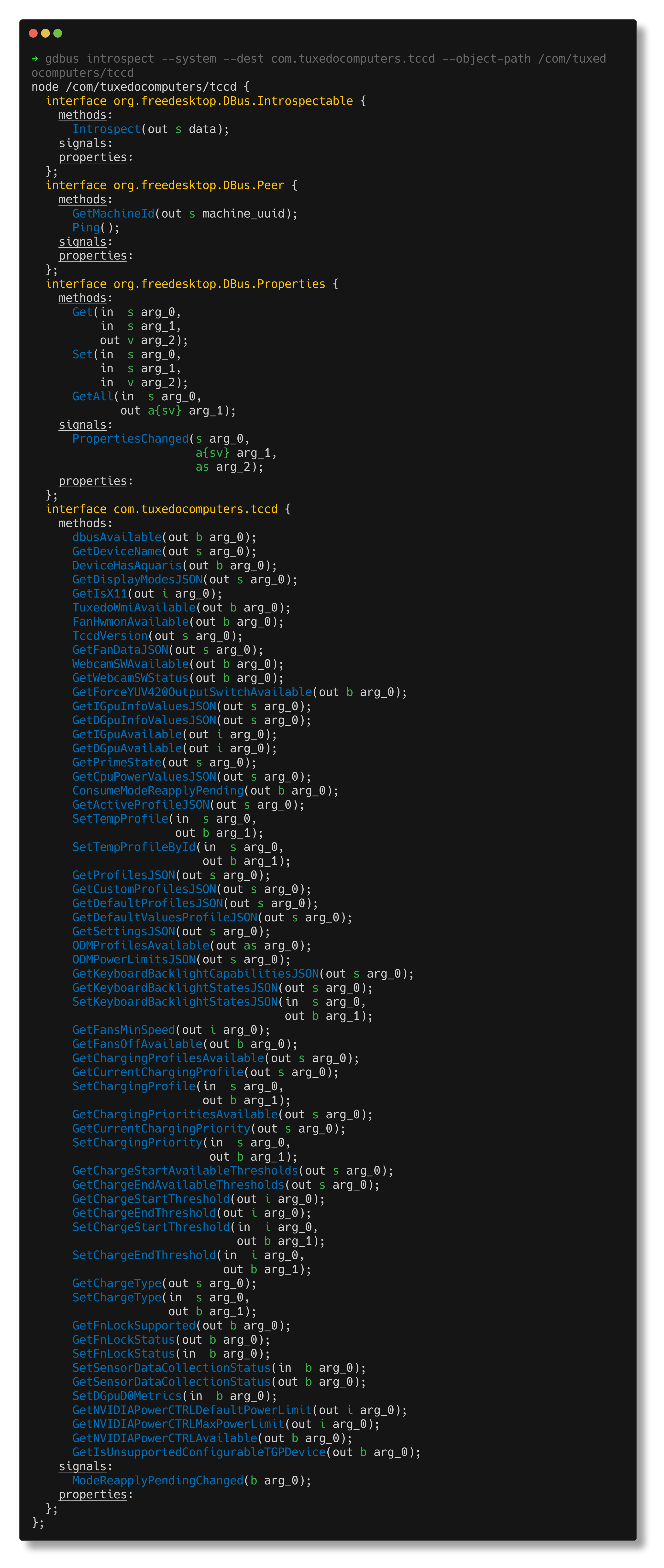
TCC D-Bus introspection
// related writing
Read the full write-up