April 24, 2026
TCC Bridge
CLI power profile switcher for Tuxedo laptops
Objective
Replace the Tuxedo Control Center GUI with a scriptable Bash wrapper that exposes power profile switching via D-Bus, enabling keyboard shortcut and CLI control without the full desktop application.
Tools & Technologies
D-Bus (gdbus)
jq
notify-send
Details
TCC Bridge is a Bash utility that wraps the Tuxedo Control Center daemon (tccd) and exposes power profile management directly on the command line, no GUI required.
It communicates with the com.tuxedocomputers.tccd system bus over D-Bus using gdbus, and uses jq to parse the JSON profile list returned by the daemon. Profiles can be cycled sequentially, targeted by ID, or listed, all from a single command.
Optional notify-send integration pops a desktop notification on profile switch, which makes it work well bound to a keyboard shortcut in any window manager. Multi-word profile names are handled safely via mapfile.
This was built out of frustration with having to open a full GUI just to switch power modes. It taught me a lot about D-Bus introspection and Linux inter-process communication.
Source Code
Source available on GitHub.
Gallery
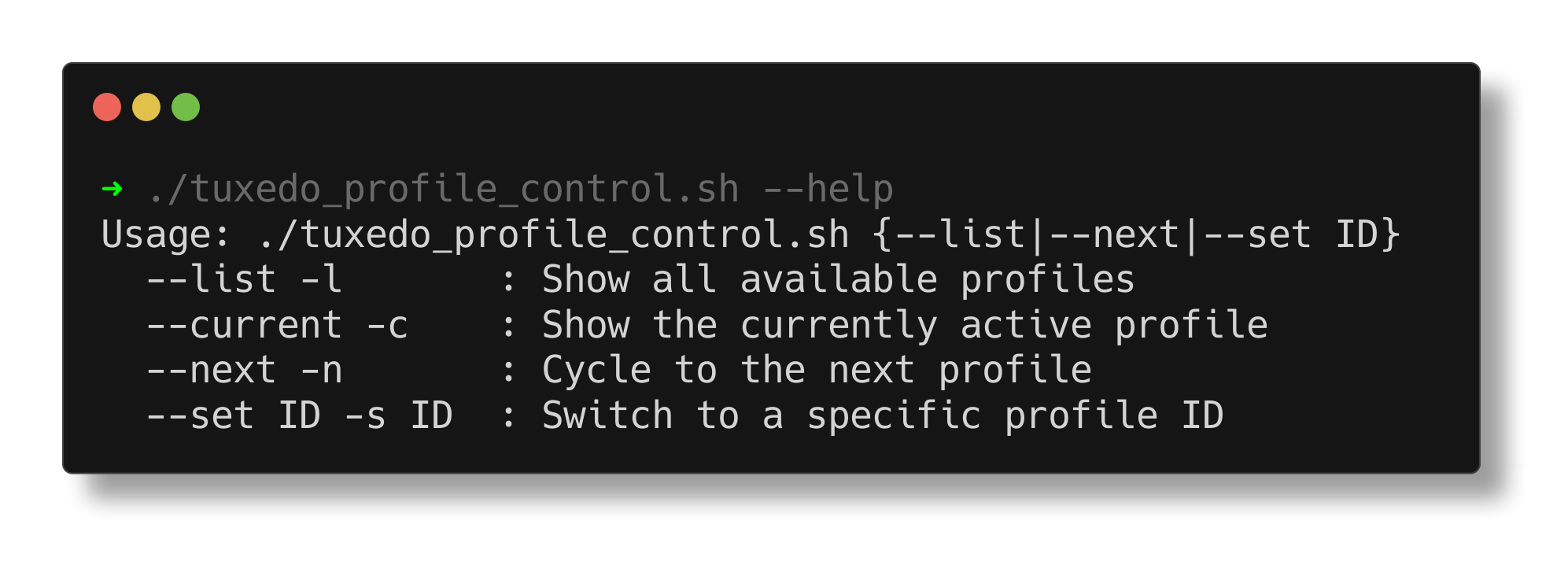
TCC Bridge 'help' command
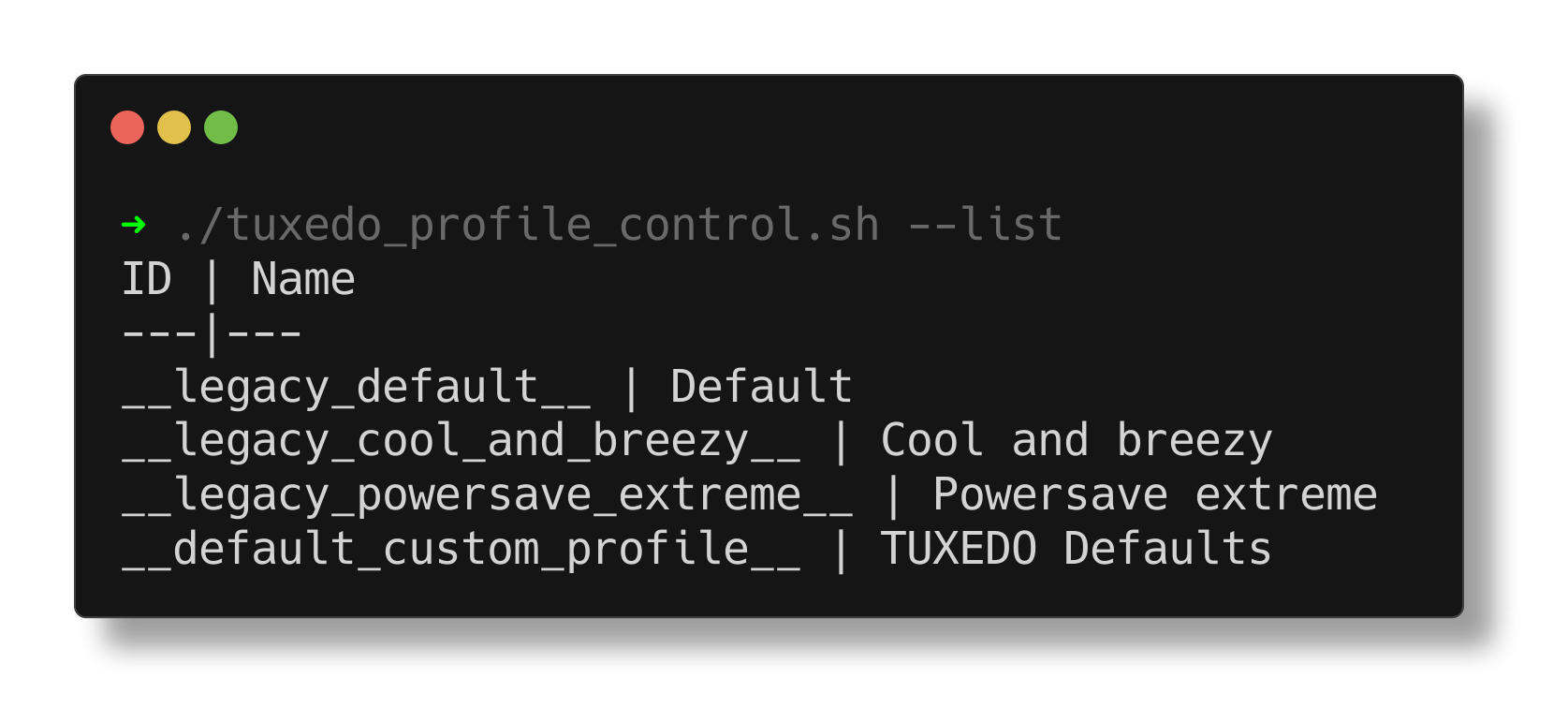
TCC Bridge 'list' command
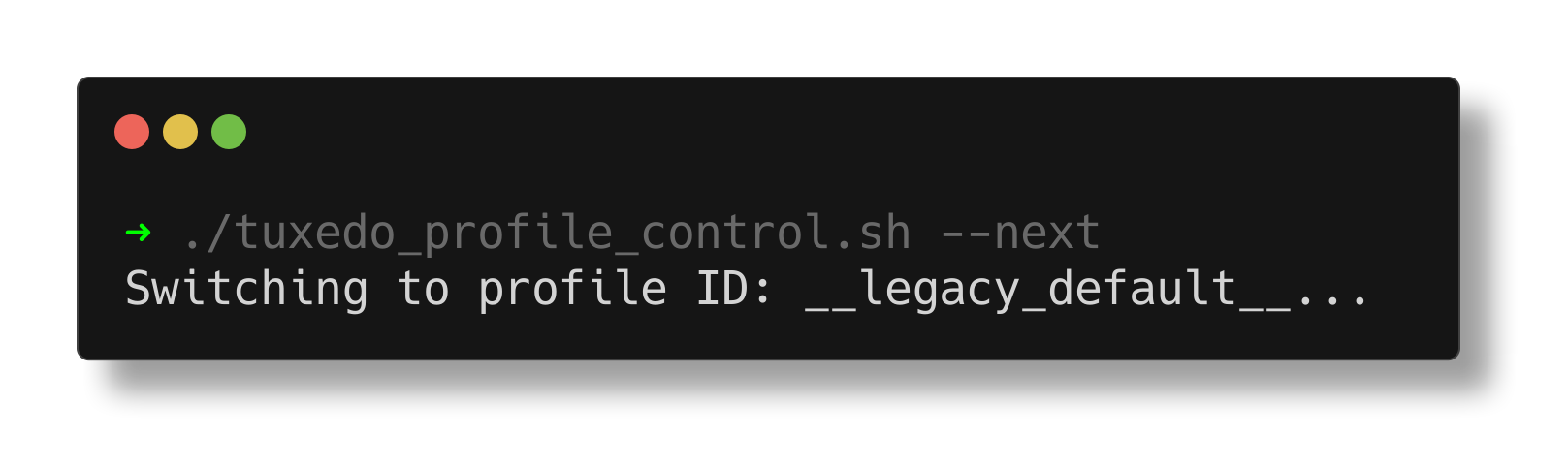
TCC Bridge 'next' command
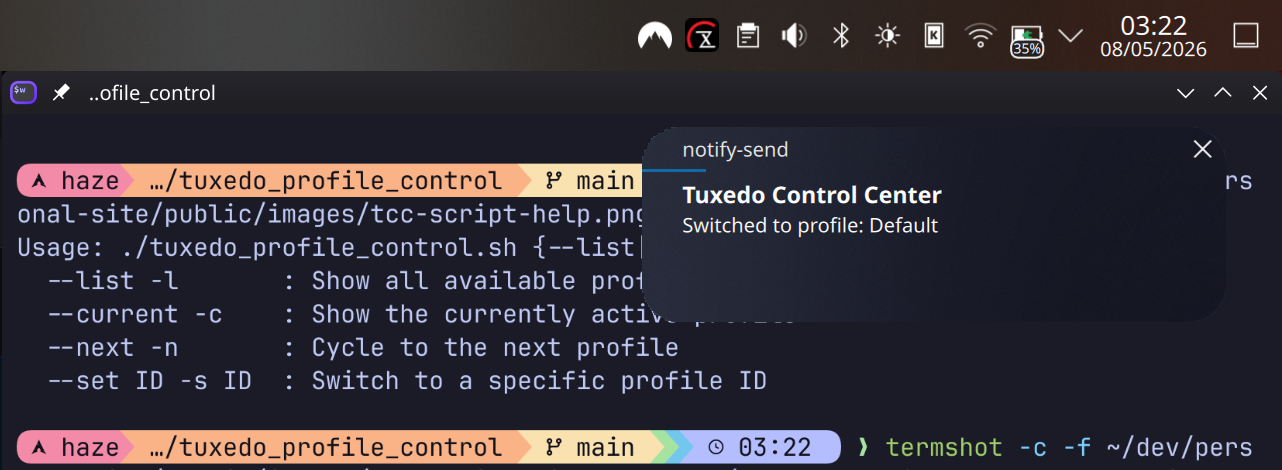
TCC Bridge profile notifiation
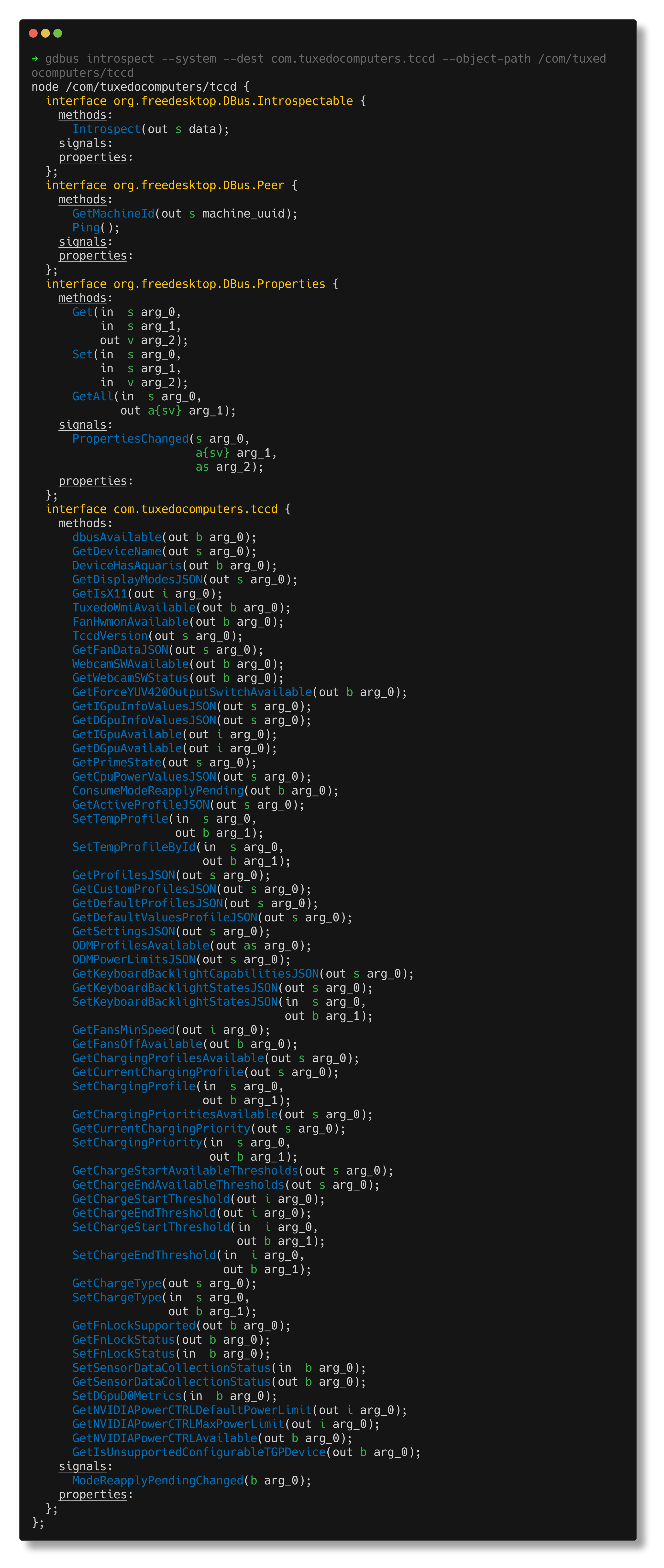
TCC D-Bus introspection
// related writing
Read the full write-up