27 October 2025
Building a Wear OS Shutter Remote for My Japan Trip
I'm heading to Japan and wanted a discreet way to trigger my Canon's shutter from my watch. So I built one.
I'm heading to Japan later this year. I've been planning the trip for ages, and the thing I'm looking forward to most is the photography: temples, street scenes, all of it. But there's one problem I kept circling back to. How do you get photos of yourself in front of landmarks without it being awkward? Holding a phone at arm's length looks terrible. A tripod with a 10-second timer technically works, but you're sprinting into position racing the shutter, and you don't know if the shot worked until you walk back and check.
What I actually wanted was a shutter release on my wrist. So I built one.
Canon's Bluetooth implementation
Canon put Bluetooth in most of their cameras a few years back, mainly to support the Canon Camera Connect app for photo transfer and basic remote control. What they don't really advertise is that the remote shutter feature runs over plain Bluetooth LE. That's great news, because it means any device that can write to the right GATT characteristics can fire the shutter. No proprietary SDK, no blessed hardware.
The catch is the pairing. You have to mimic the initial handshake that Camera Connect does, and Canon doesn't document any of it. I leaned on community reverse-engineering to find the relevant GATT service and characteristics, then confirmed the handshake by watching what the official app actually sends over BLE. It boils down to:
- Pair with the camera over standard BLE
- Write a specific byte sequence to a control characteristic so the camera accepts you as a remote
- After that, shutter release is a single GATT write: one byte to trigger, another to release
That's the whole protocol, at least for the part I needed.
Why Flutter + Wear OS
The platform choice made itself, since I already own a Wear OS watch. Flutter is what I reach for on mobile anyway, and the flutter_blue_plus package speaks BLE on both Android phones and Wear OS through the same API, so I could develop mostly on the phone and ship to the watch.
The watch app is about as minimal as an app can be. One full-screen button, press it, photo taken:
Future<void> triggerShutter() async {
  await shutterCharacteristic.write([0x01], withoutResponse: true);
  await Future.delayed(const Duration(milliseconds: 100));
  await shutterCharacteristic.write([0x00], withoutResponse: true);
}
One detail worth calling out is withoutResponse: true. Acknowledged BLE writes add a round-trip, and on a shutter press you can actually feel that delay. Fire and forget is the right call here.
The pairing flow
Funny thing: I spent more time on Android permissions than on the reverse-engineered protocol. Wear OS is stricter about BLE than phone-side Android in a few ways. The watch needs its Bluetooth permissions declared explicitly in the manifest, and you have to handle the BLUETOOTH_SCAN / BLUETOOTH_CONNECT runtime permission dance properly or scanning silently gives you nothing.
Once past that, the camera behaves like any standard BLE peripheral. After the initial handshake the connection is solid. I tested it reliably out to about 8 metres with clear line of sight, which is more than enough for a tripod shot.
What it looks like in practice
The watch shows one big button. You put the camera on a tripod, frame the shot on the camera screen (or a tethered phone), walk into frame, and tap your wrist. No sprinting, no phone held at a weird angle, no remote visible in your hand.
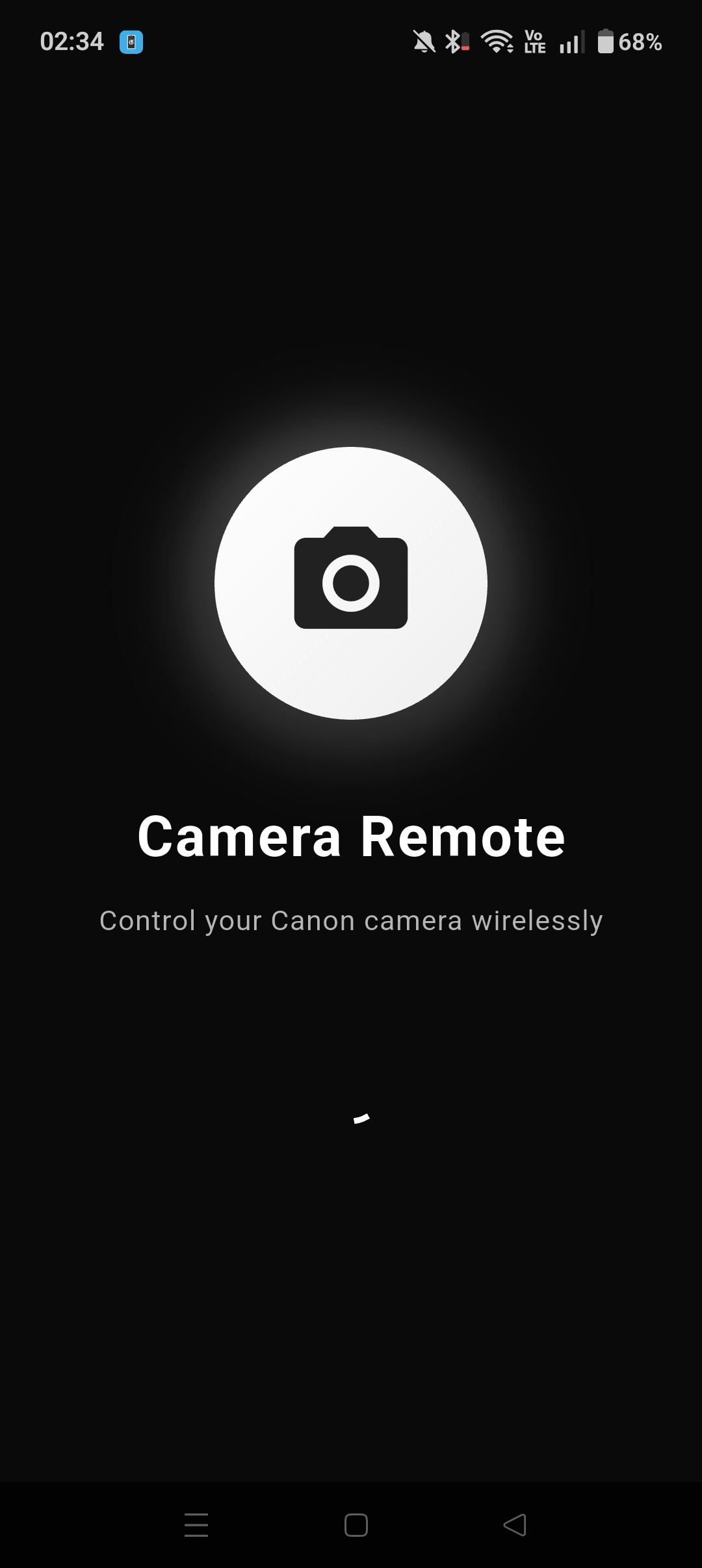
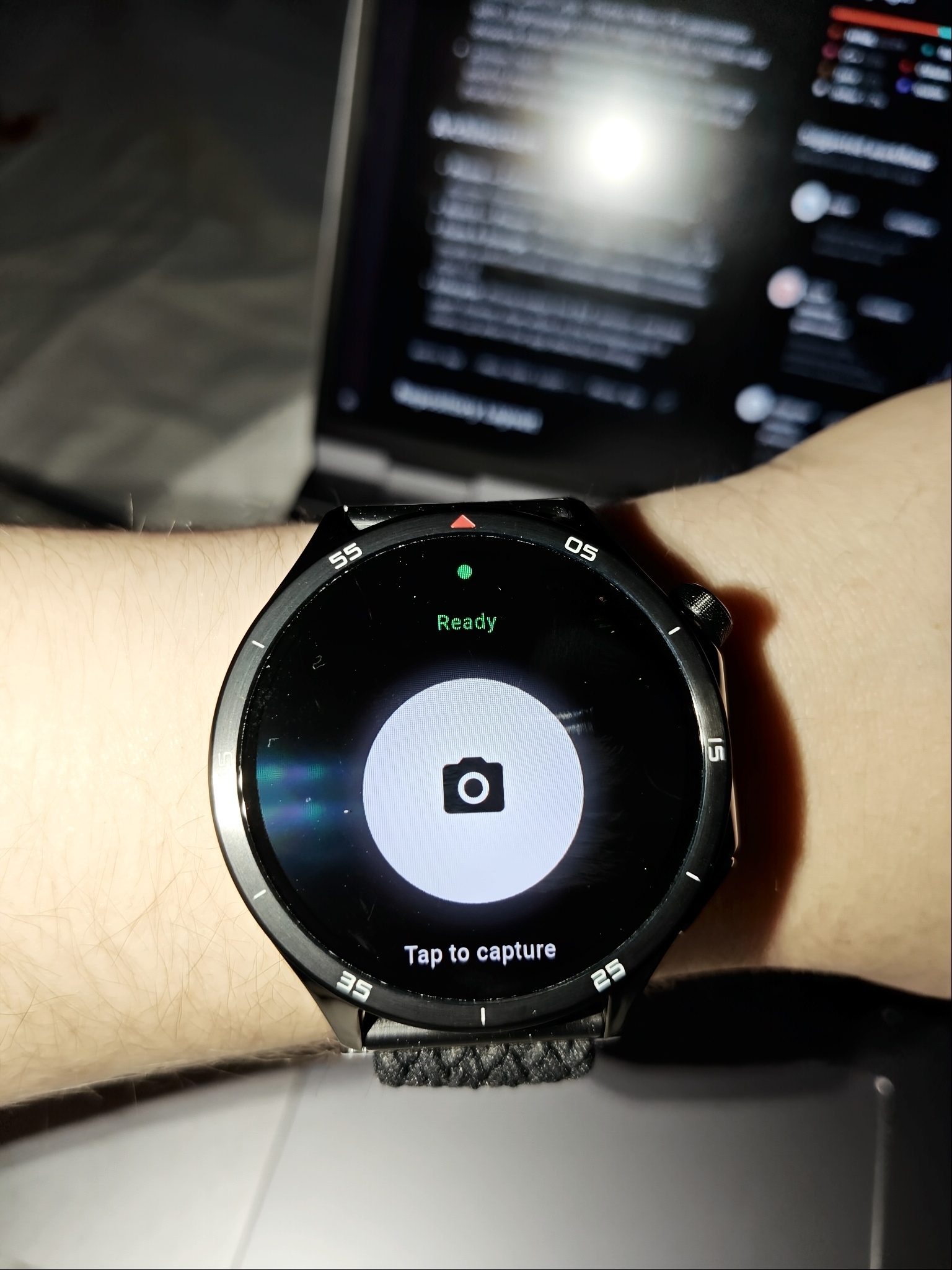
The plan for Japan: places like Fushimi Inari early in the morning, before the crowds show up. The kind of shot where you want to be in the frame, but you also want the composition to be deliberate rather than a selfie grab.
What's next
Right now it only does shutter release. Canon's protocol also exposes focus control (a half-press simulation) and some basic exposure settings, and I'm tempted to add a focus-then-shoot mode before the trip. In a busy scene the camera's autofocus can easily lock onto the wrong thing, and being able to force a focus pass from the watch would fix that.
Source is on GitHub if your camera does BLE and you want to give it a try.
// related project
Canon BT Remote// comments